Mappings
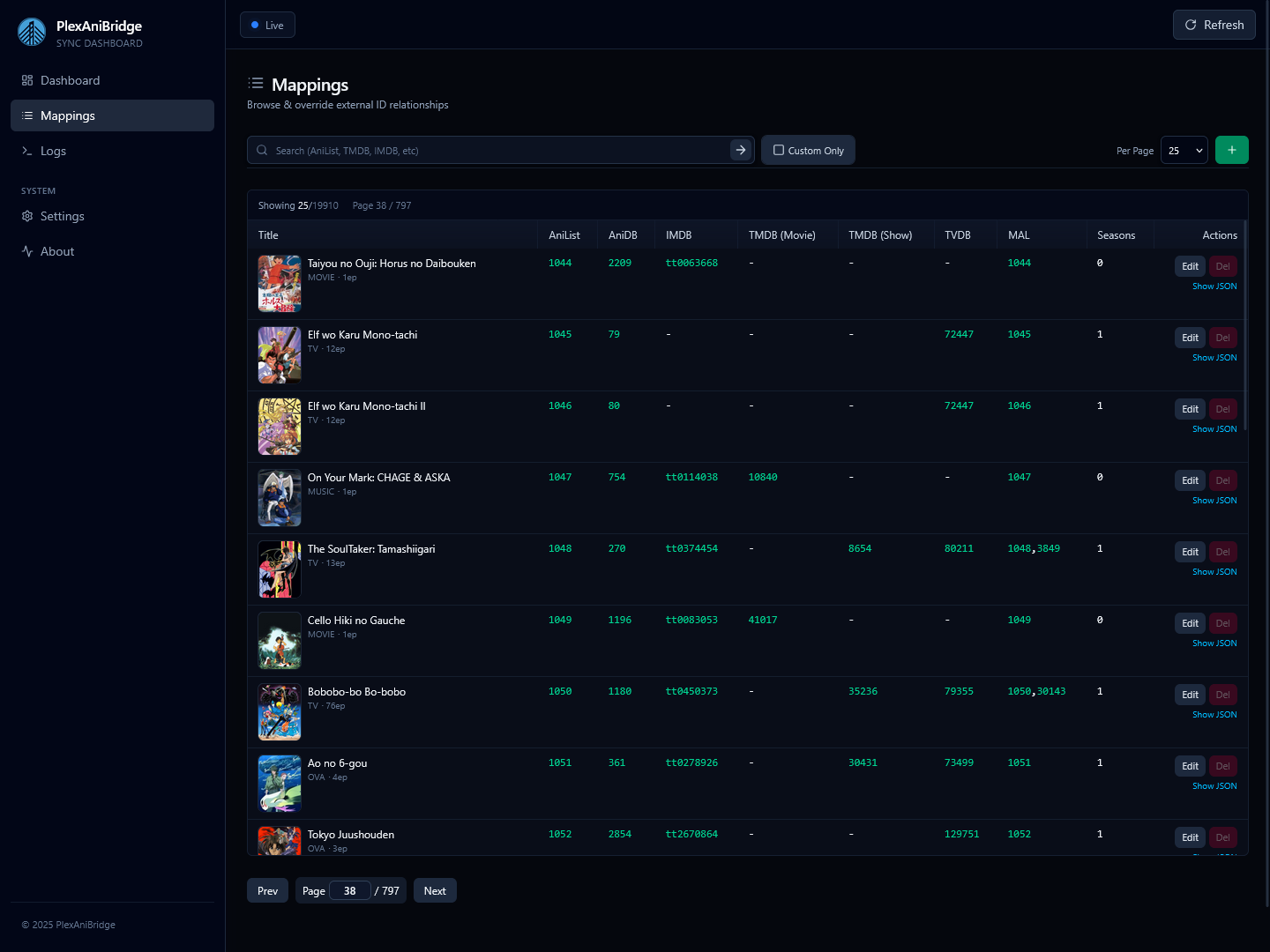
The mappings page lets you browse and manage the AniList ↔ Plex mapping database. You can search existing records with a powerful query language and manage mapping overrides.
Searching & Filtering
- The search bar uses the Mappings Query Language with autocomplete hints as you type.
- Some useful queries to try:
"One Piece",anilist:12345,tvdb:67890,has:tvdb_mappings. - Press
Enteror click the search icon to run a query. - Toggle
Custom Onlyto limit results to entries sourced from your custom mappings (mappings.custom.(json|yaml|yml))
Table Controls
- Column visibility can be set by clicking the eye icon popover; toggles persist in local storage.
- Drag column separators to resize widths as needed; column widths persist in local storage.
- Use
Show All,Hide All, or(reset)inside the eye icon popover to restore the default column layout. - Pagination controls (page navigation, per page size) sit at the foot of the table.
Editing & Creating Overrides
New Override(plus icon in toolbar) opens the editor with a blank template;Editin a row pre-fills fields from the current mapping.- The override editor has two tabs: Form and Raw JSON; Form mode exposes all supported identifiers with per-field modes (
omit,null,value) and helper controls for TMDB/TVDB season mappings. - Switch to
Raw JSONfor a schema-backed Monaco editor that validates against the override schema. Changes sync back to the form when you return.